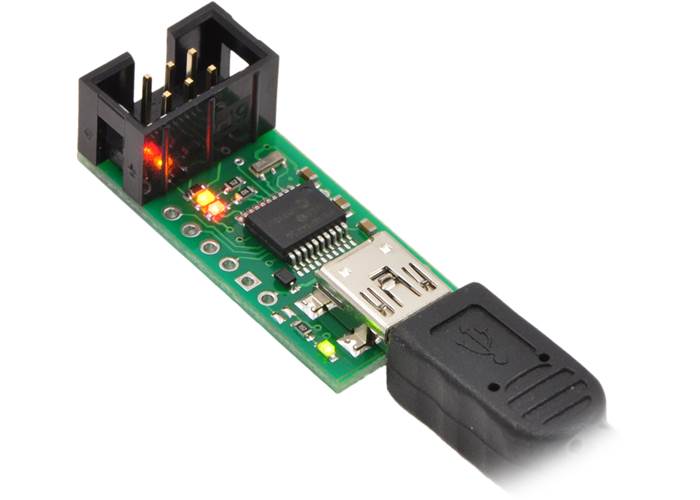
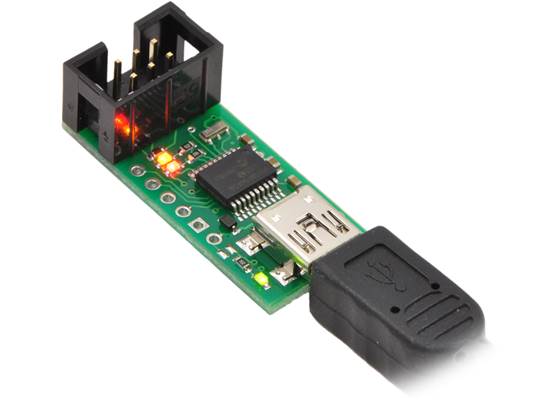
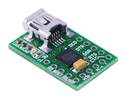
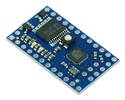
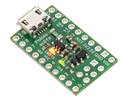
This device is a programmer for AVR-based controllers, such as our Orangutan robot controllers and the 3pi robot. The programmer emulates an STK500 on a virtual serial port, making it compatible with standard AVR programming software.
Special Order
Shipping from $9.90
+59 more from our supplier in 7-10 days
Our Code: COM-40004
Supplier Link: [Pololu MPN:1300]
This device is a programmer for AVR-based controllers, such as our Orangutan robot controllers and the 3pi robot. The programmer emulates an STK500 on a virtual serial port, making it compatible with standard AVR programming software. Two additional features help with building and debugging projects: a TTL-level serial port for general-purpose communication and a SLO-scope for monitoring signals and voltage levels. A USB cable and ISP cable are included.
We recommend considering our newer Pololu USB AVR Programmer v2.1 over this programmer, as it offers a number of improvements (including 3.3 V support) at a lower price. However, please note that the v2.x programmer does not have the SLO-scope bonus feature that this programmer does.
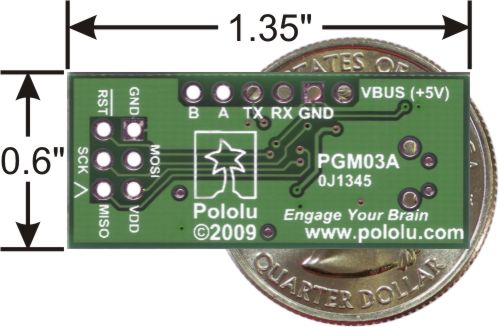 |
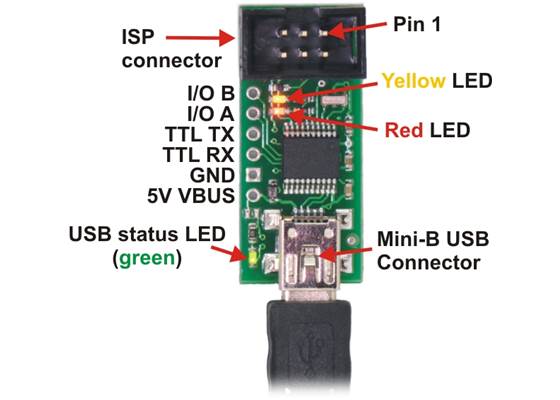
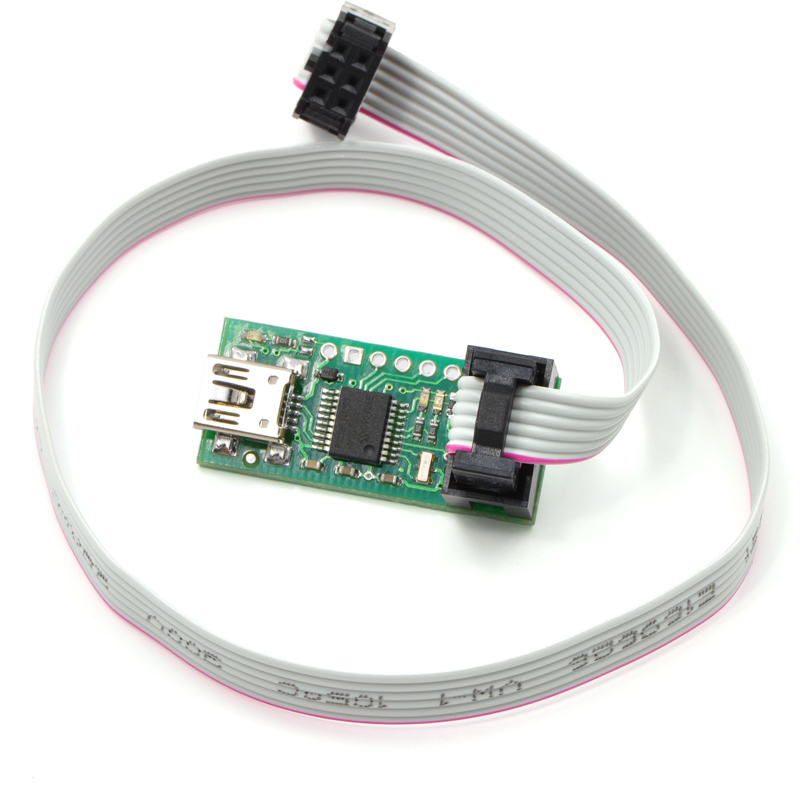
The Pololu USB AVR Programmer is an extremely compact, low-cost in-system programmer (ISP) for Atmel’s AVR mirocontrollers, which makes this device an attractive programming solution for AVR-based controllers like our Orangutan robot controllers and A-Star modules. The USB AVR programmer connects to your computer’s USB port via an included USB A to mini-B cable and communicates with your programming software, such as Atmel Studio or AVRDUDE, through a virtual COM port using the AVRISPV2/STK500 protocol. The programmer connects to your target device via an included 6-pin ISP programming cable (the older, 10-pin ISP connections are not directly supported, but it’s easy to create or purchase a 6-pin-to-10-pin ISP adaptor).
The programmer should work with all AVRs that can be programmed with the AVR ISP interface, but it has not been tested on all devices. It has been tested with all Orangutan robot controllers and the 3pi Robot. The programmer features upgradable firmware, allowing updates for future devices. It does not currently work with Atmel’s XMega line of microcontrollers.
The programmer is powered by the 5V USB power bus, and it is intended for programming AVRs that are running at close to 5 V (note that the programmer does not deliver power to the target device).
The programmer has been tested under Windows XP, Windows Vista, Windows 7, Windows 8, Windows 10, and Linux. We provide limited support for using this programmer on Mac OS X; please see the user’s guide for details. This programmer is not compatible with older versions of Windows.
 |
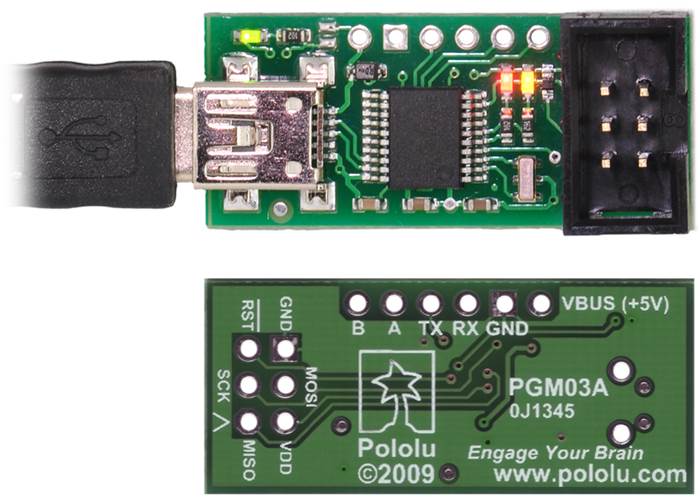
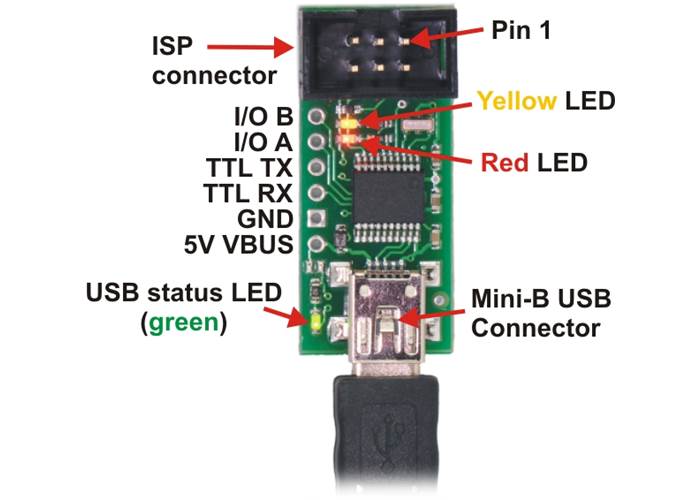
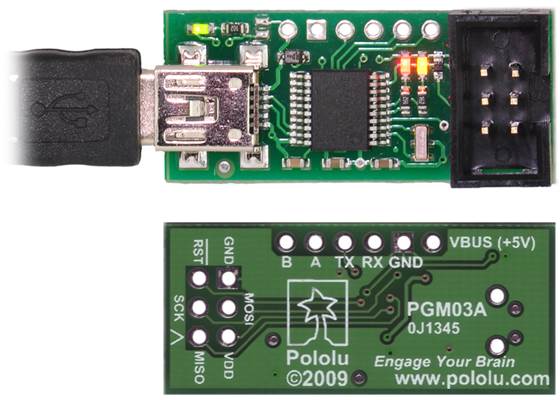
The USB AVR programmer doubles as a USB-to-serial adaptor. The programmer installs as two virtual COM ports: one for communicating with programming software and one for the general-purpose USB-to-serial adaptor. This means that you can seamlessly switch between programming an AVR and debugging it through the TTL serial port without having to open and close your terminal program. In addition to the serial transmit (TX), and receive (RX), lines, the programmer lets you use pins A and B as serial handshaking lines. The programmer’s configuration utility allows you to select which handshaking line is assigned to which pin, and both input and output handshaking lines are supported. The programmer also gives you access to the USB’s regulated 5V power bus through the VBUS pin. The TTL-level serial port is not supported in Mac OS.

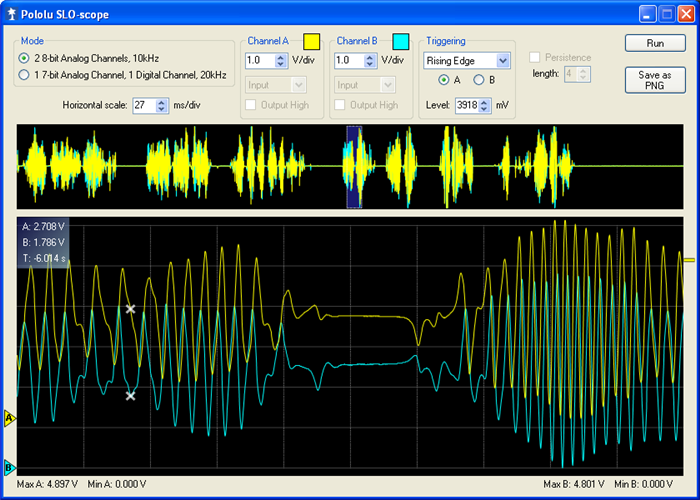
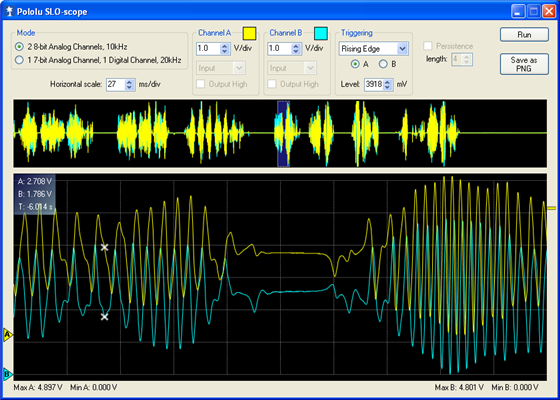
Pololu SLO-scope client for Windows.
This device can also act as a two-channel, severely limited oscilloscope (SLO-scope) using the A and B pins as analogue voltage inputs and the Pololu SLO-scope application for Windows. The SLO-scope can measure voltages between 0 and ~5 V (the maximum is limited by the USB bus voltage), or higher if you use an external voltage divider, and it supports two sampling modes: 10 kHz sampling of two 8-bit analogue inputs or 20 kHz sampling of one 7-bit analogue input and one digital input. This feature can help you debug your circuits and firmware by seeing what the voltages are doing at various nodes. (Please note that the SLO-scope feedback is quite limited and is not intended as a substitute for a real oscilloscope or a good multimeter, which will have much higher input impedance, better resolution and range, and higher sampling frequency.) The SLO-scope is not supported in Mac OS or Linux.
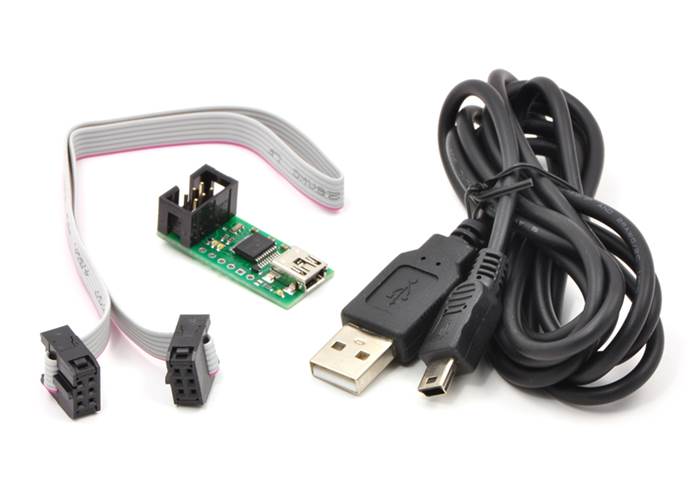
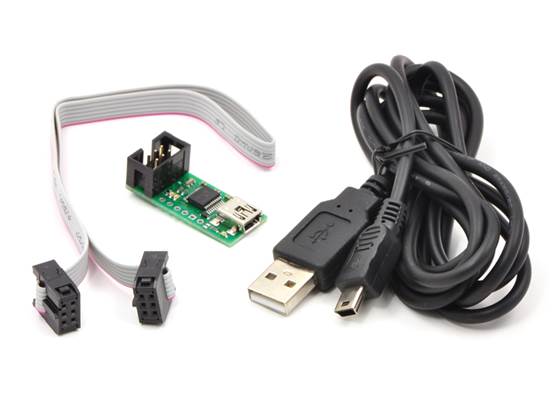
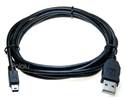
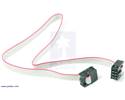
The Pololu USB AVR Programmer ships with a 12″ (30 cm) 6-pin ISP programming cable and a USB A to mini-B cable. It does not ship with software or documentation, but software (including drivers) and documentation can be found under the resources tab.
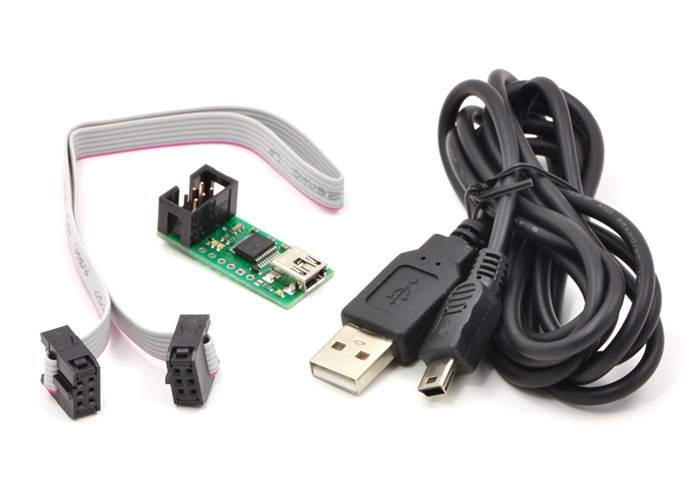
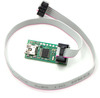
Pololu USB AVR programmer with included six-pin ISP cable and USB A to mini-B cable.
Note: This programmer supports standard in-system programming (ISP), which is also sometimes called in-circuit serial programming (ICSP). It does not support JTAG, DebugWire, or High-Voltage programming.
The complete guide to using the Pololu USB AVR programmer. This guide covers programming AVR microcontrollers, communicating via the USB-to-TTL-serial adaptor, and measuring voltages using the SLO-scope.
This guide explains how to get started programming your Orangutan or 3pi Robot in Windows, Linux or Mac OS X. It covers setting up an AVR development environment (Atmel Studio for Windows users), installing the Pololu AVR C/C++ Library, and setting up the Pololu USB AVR Programmer.
The Pololu USB SDK contains example code for making your own applications that use native USB to control the Jrk Motor Controller, Maestro Servo Controller, Simple Motor Controller, or USB AVR Programmer.
This bundle contains all the Pololu software you need to get started programming AVRs in Windows: the Pololu AVR C/C++ Library, the Pololu USB AVR Programmer drivers and software, and the Pololu Orangutan SVP drivers. We recommend installing Atmel Studio 7.0 before installing this bundle.
This executable installs the Pololu USB AVR Programmer drivers, configuration utility, and SLO-scope application for Windows. These are also included in the Pololu AVR Development Bundle, so you do not need to download and install this if you have installed the bundle.
Visual C# 2008 project containing the SLO-scope client software. The SLO-scope is a severely limited oscilloscope feature of the Pololu USB AVR programmer.
A free integrated development environment (IDE) for AVRs. Formerly known as Atmel Studio.
The older version of Atmel’s free integrated development environment (IDE) for AVRs, which is no longer supported by Atmel.
A free, open-source suite of development tools for the AVR family of microcontrollers, including the GNU GCC compiler for C/C++.
The web site for AVR Libc, which is the standard library of functions that you can use with C and C++ on the AVR.
Documentation for GCC, including the AVR GCC C/C++ compilers.
Pololu Robotics and Electronics forum — get technical support, share your project, or just drop in to say hi.
The Microsoft .NET Framework version 3.5 is required for many Pololu configuration, control, and utility programs under Windows. Most computers will have this installed already or can automatically install it over the internet, but you can also get .NET 3.5 directly from Microsoft at this link. If you are installing on a computer without internet access, make sure to get the Full Redistributable Package.
AVR community with forums, projects, and AVR news.
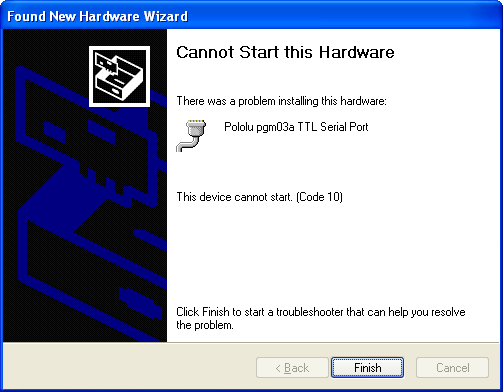 |
If you use Windows XP and experience problems installing the serial port drivers for a Pololu USB product, the cause of your problems might be a bug in older versions of Microsoft’s usb-to-serial driver usbser.sys. Versions of this driver prior to version 5.1.2600.2930 will not work with certain Pololu USB products. You can check what version of this driver you have by looking in the “Details” tab of the “Properties” window for C:\Windows\System32\drivers\usbser.sys.
To solve your problem, upgrade usbser.sys by installing either Service Pack 3 or Hotfix KB918365. Some users who installed the hotfix have reported problems which were solved by upgrading to Service Pack 3, so we recommend Service Pack 3 over the hotfix. The device should work after you reboot. If it still does not work, uninstall your device by going to the Device Manager, right-clicking on the malfunctioning device, and selecting “Uninstall”. Then unplug your device from the computer and plug it back in.

 Brands