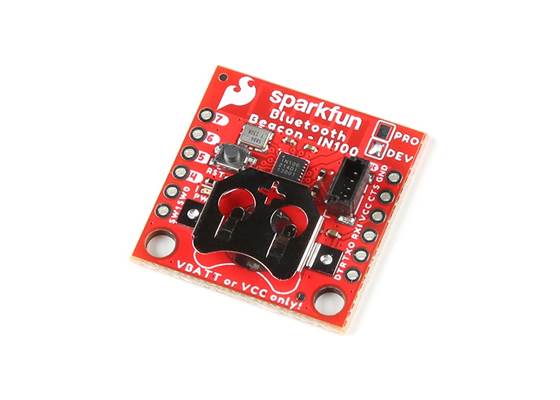
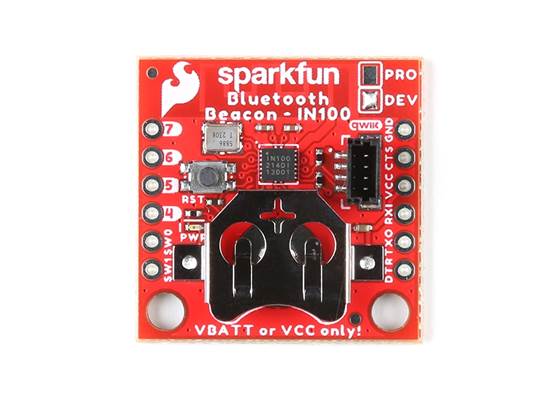
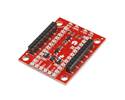
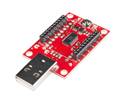
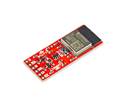
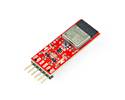
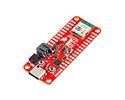
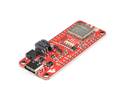
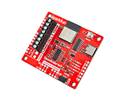
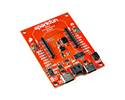
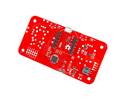
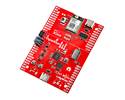
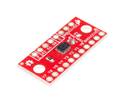
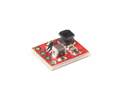
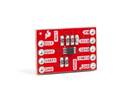
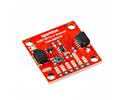
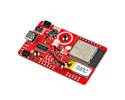
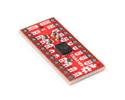
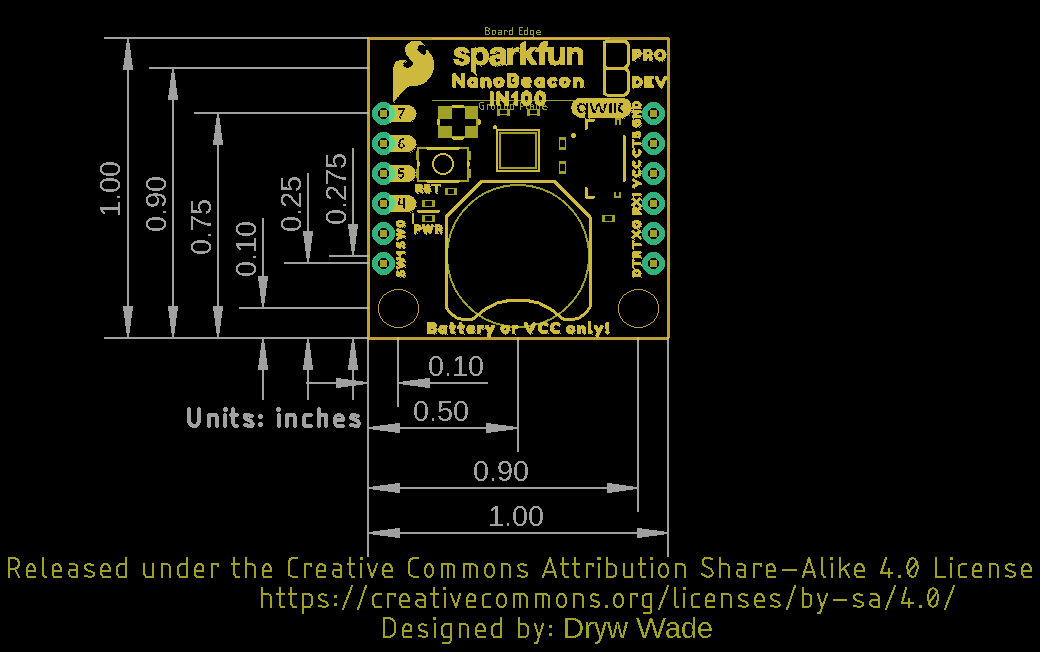
Prototype your low-energy 2.4 GHz beacon projects with this IN100 Lite board, featuring a built-in reset button, power LED, and Qwiic connectivity.
Special Order
Shipping from $4.90
+226 more from our supplier in 7-10 days
Our Code: SKU-009995
Supplier Link: [SparkFun MPN:21293]
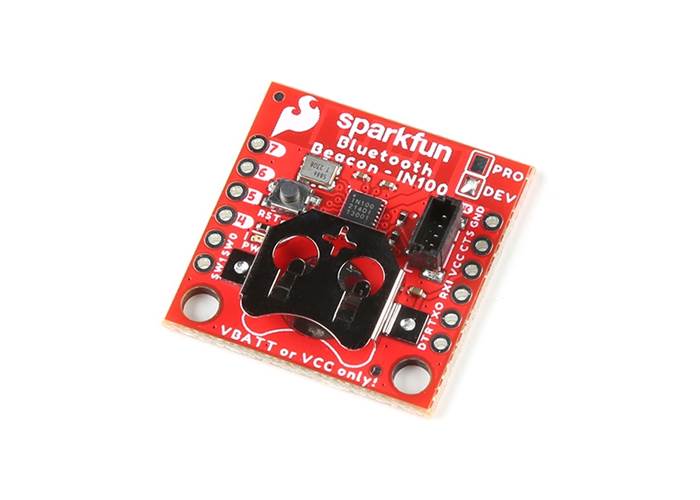
The SparkFun IN100 NanoBeacon Lite Board offers the ubiquitous 2.4 GHz wireless low-energy BT beacon breakout with exceptionally low power consumption features and minimal programming required. The board features the IN100 NanoBeacon™ from InPlay™ that is compliant with several standard 2.4 GHz protocols and has several built-in configurable features for device behaviour that can drastically reduce power consumption, allowing for continuous operation in the field for multiple years even with a connected device. This board is a great option for wireless sensor monitoring, asset tracking, retail beacons, or even making your own beacon tag for real-time location monitoring.
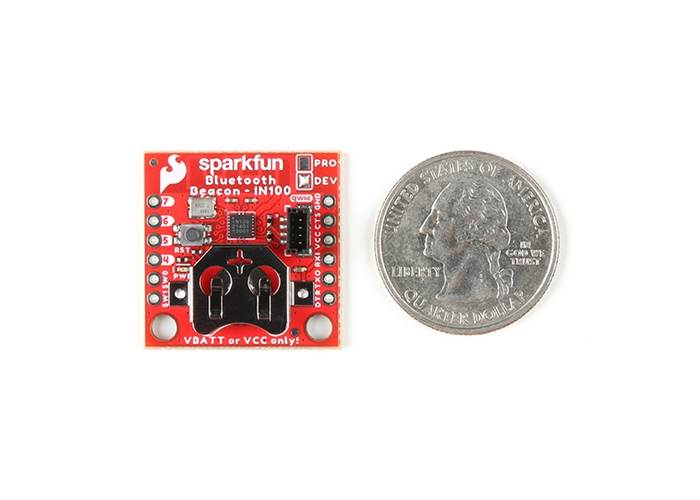
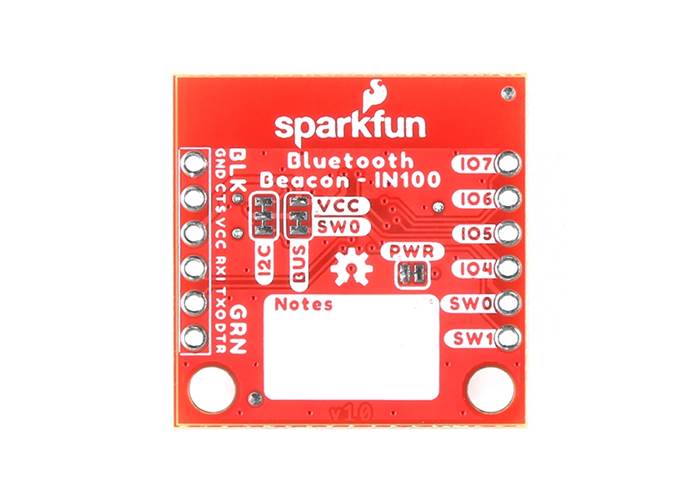
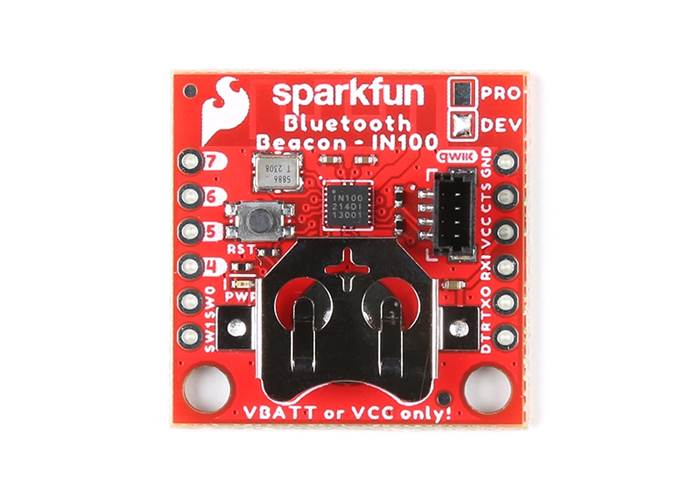
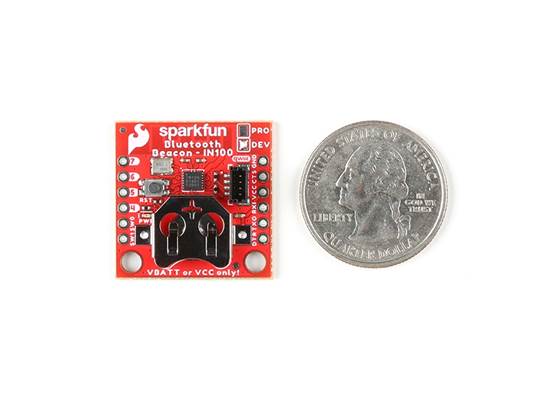
The IN100 can be powered by a single 3V coin cell battery, so we've added a 12mm coin cell battery holder (CR1225 battery not included) to power the board. The NanoBeacon Lite also offers multiple connection and programming features to make field integration as simple as possible:
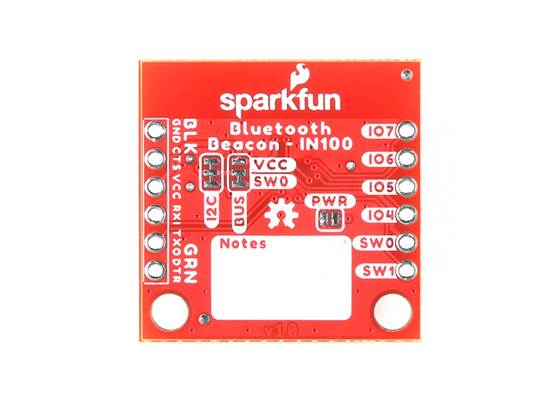
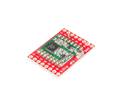
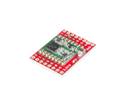
This Lite version of the board is purposefully designed for prototyping, giving you the flexibility to test and iterate your configurations before integrating the module into full production. We intentionally left the headers unsoldered to accommodate any custom wiring needs. To make benchtop testing much easier, this board includes a physical reset button and a dedicated power LED so you can verify the board's status at a glance. Users looking for a standalone version of the IN100 Beacon Breakout may want to consider getting the SparkFun NanoBeacon Board - IN100.

When programming the IN100 with the InPlay NanoBeacon Config Tool, the "Burn/Program" option uploads the settings and locks the module. Before selecting this option, make sure everything is set up and working as you intend, as you cannot undo this step, and you may brick your IN100.
The Config Tool offers a testing "Run in RAM" mode for many settings, but I2C is not available in the RAM testing mode. Users connecting I2C devices to the board should ensure their code works before clicking the "Burn/Program" button.

SparkFun NanoBeacon Lite Board
IN100 NanoBeacon

 Brands