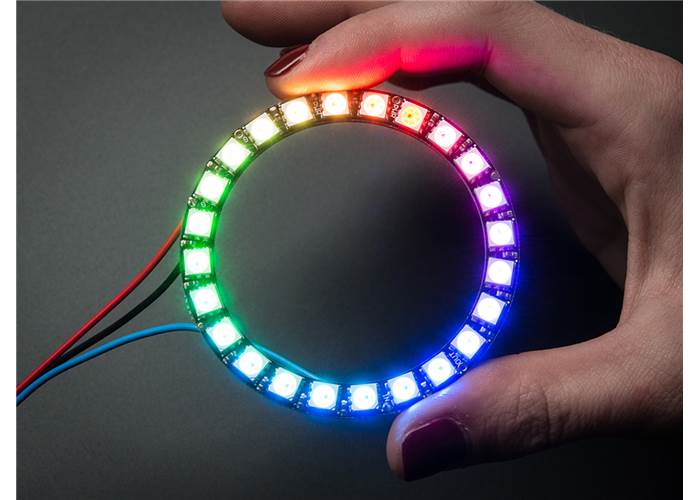
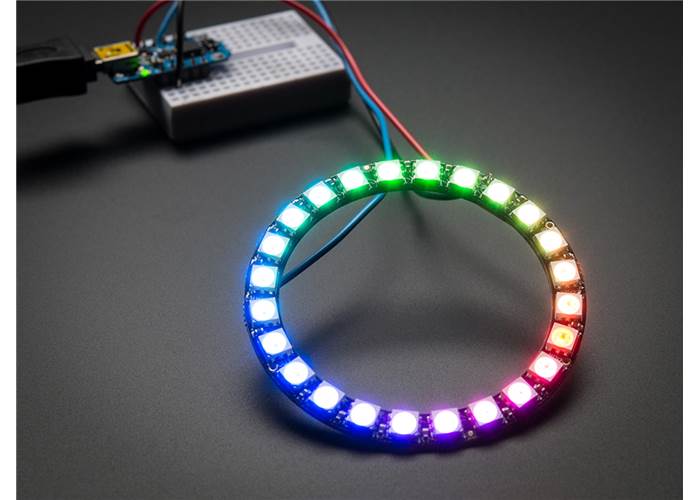
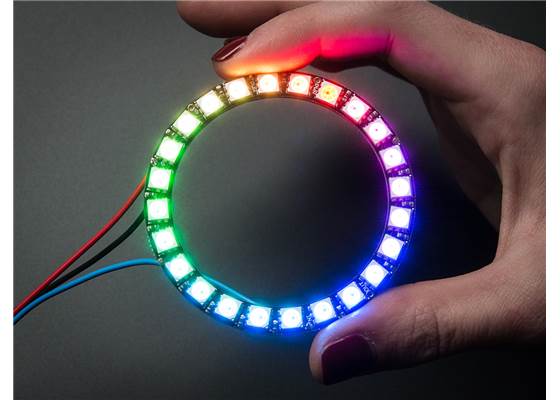
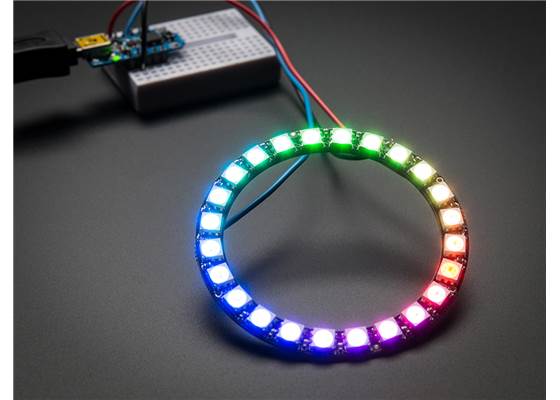
This Adafruit NeoPixel ring contains 24 individually addressable RGB LEDs arranged in a closely spaced circle that can all be controlled with a single digital output of a microcontroller.
Special Order
Shipping from $9.90
+10 more from our supplier in 7-10 days
Our Code: SKU-003275
Supplier Link: [Pololu MPN:2538]
This Adafruit NeoPixel ring contains 24 individually addressable RGB LEDs arranged in a closely spaced circle that can all be controlled with a single digital output of a microcontroller. The ring has a 2.6″ (66 mm) outer diameter, and several rings can be chained together, making them great for adding some shine to a small robot or wearable electronics project.
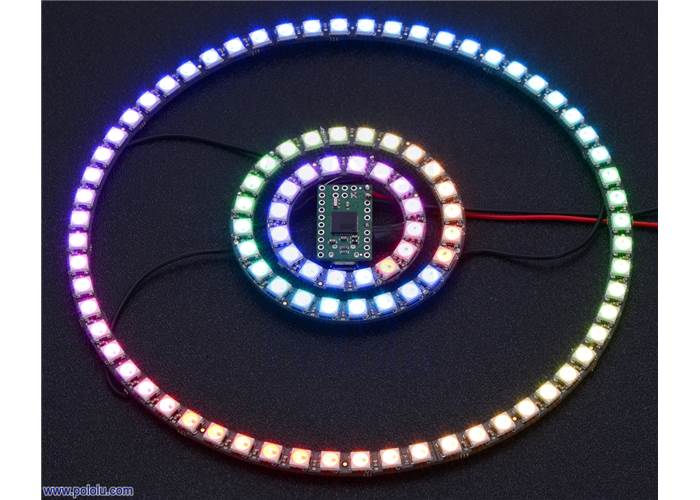
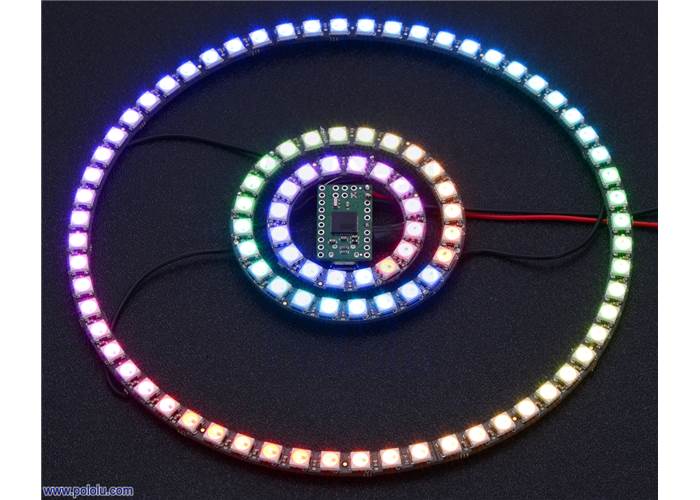
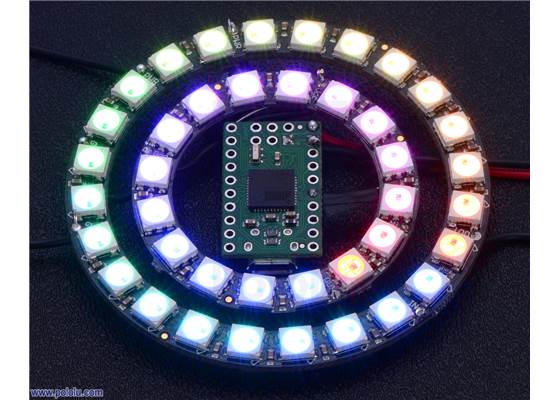
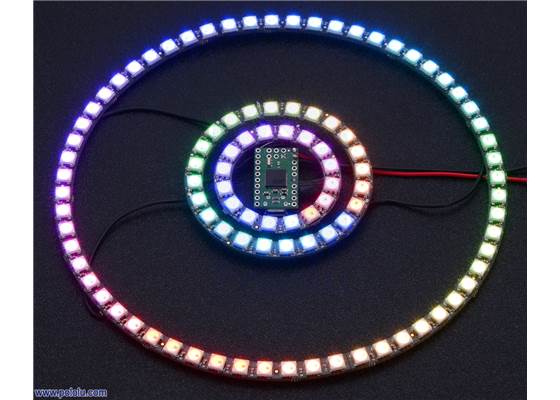
Adafruit 16-, 24-, and 4×15-LED NeoPixel rings being controlled by an A-Star 32U4 Micro.
This NeoPixel ring from Adafruit consists of 24 individually addressable RGB LEDs that can all be controlled with a single digital output of a microcontroller and chained together with other rings and SK6812/WS281x-based LEDs to make larger, more complex displays. This ring has a 2.6″ (66 mm) outer diameter and 2.05″ (52.5 mm) inner diameter.
We also carry two other types of NeoPixel rings: a 16-LED ring with a 1.75″ (44.5 mm) outer diameter and 15-LED quarter-circles that can be combined to make a 60-LED ring with a 6.2″ (158 mm) outer diameter.
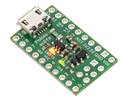
The ring can be controlled by many microcontrollers, but our A-Star 32U4 Micro works particularly well for applications where space is an issue since it fits neatly inside the ring. The picture on the right shows an A-Star 32U4 Micro controlling three different sizes of NeoPixel rings. See the Protocol section near the bottom of this page for some things to consider when selecting an appropriate microcontroller.
The Adafruit NeoPixel library for Arduino makes it easy to use an Arduino-compatible board to control the ring’s LEDs, and since NeoPixels are based on the same SK6812/WS2812B LEDs as our Addressable RGB LED Strips, you can also use our Arduino library for addressable RGB LED strips, Example AVR C code for addressable RGB LED strips, and PololuLedStrip mbed library to control the ring.
For more detailed documentation and resources on Adafruit NeoPixels, see the Adafruit NeoPixel Uberguide.
The following videos from Adafruit show sample projects you can make with the 24-LED ring:
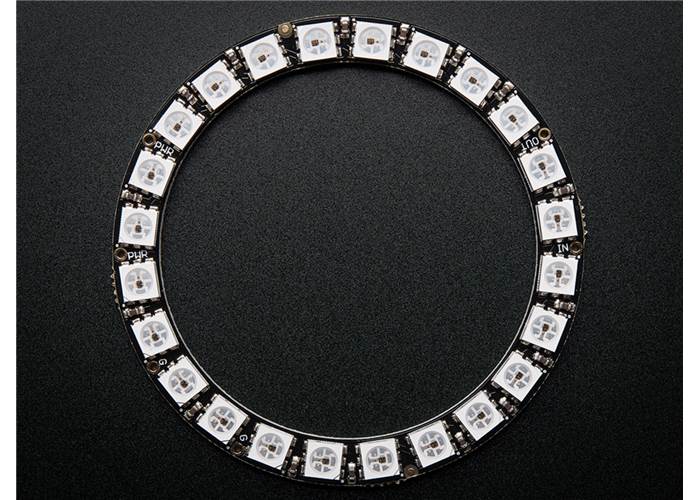
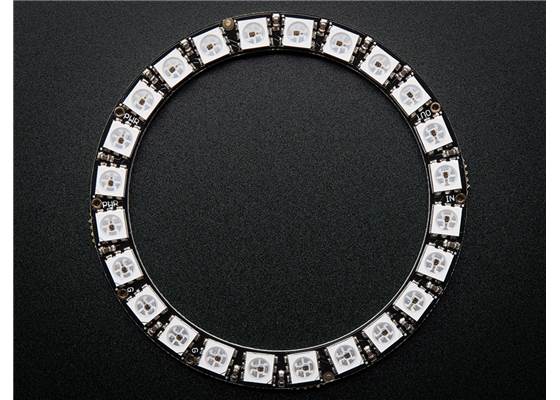
Adafruit 24-LED NeoPixel ring, top view. |
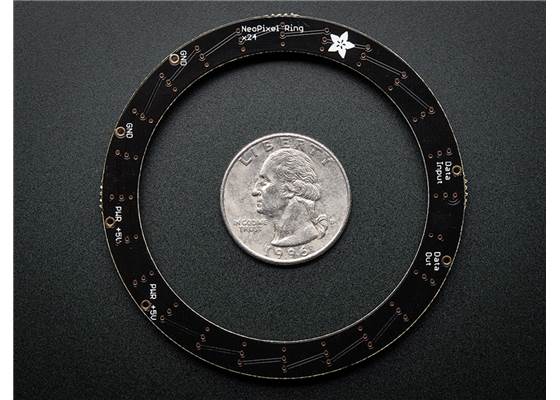
Adafruit 24-LED NeoPixel ring, bottom view with a US quarter for size reference. |
The ring has four connection points.
The pin labelled GND is the ground pin, and should be connected to the ground pin of the microcontroller that is controlling the LEDs and also to the negative terminal of the power supply.
The pin labelled PWR +5V is the power input pin, and should be connected to a suitable power supply. An input voltage of 5 V is used to power the ring, and each LED on the ring can draw up to 50 mA at 5 V when outputting white at full brightness. That means the ring could draw up to a maximum of around 1.2 A.
The pin labelled Data Input is an input that receives the signal controlling the LEDs. This pin should be connected to a microcontroller output pin or to the signal output pin of a SK6812/WS281x-based LED product.
The pin labelled Data Out is optional. It can be connected to the data input pin of another SK6812/WS281x-based LED product in order to form a chain.
Our 0.1″ header pins could be used to connect to the ring’s four pins, or wires could be soldered directly to the board. The ring does not ship with any header pins or connectors.
NeoPixels can be easily damaged if proper precautions are not taken when using them. In general, for SK6812/WS2812B-based products, we suggest adding a capacitor of at least 10 μF between the ground and power lines and a 100 Ω to 1000 Ω resistor between your microcontroller and the signal input pin. More details on best practices when using NeoPixel products can be found in the Adafruit NeoPixel Uberguide.
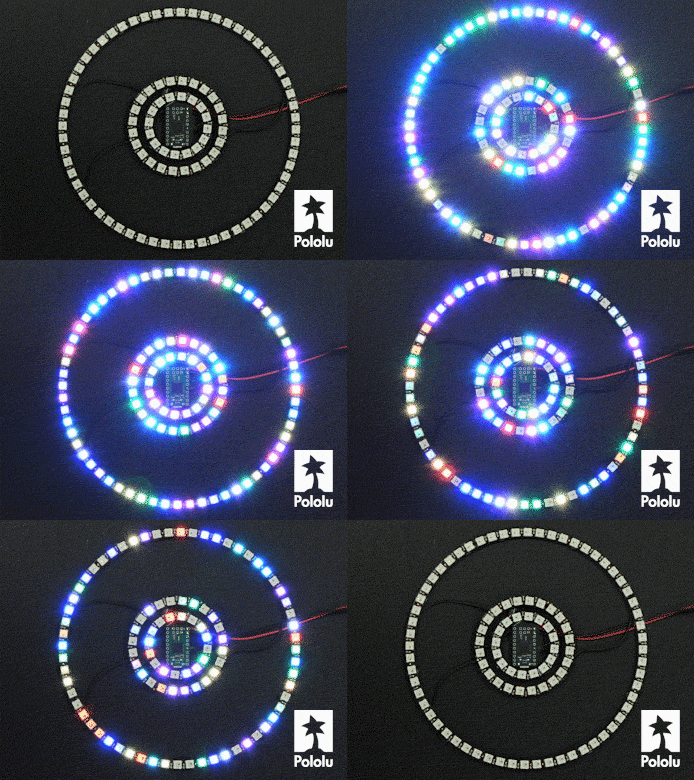 |
Adafruit 16-, 24-, and 4×15-LED NeoPixel rings being controlled by an A-Star 32U4 Micro. |
|---|
The NeoPixels are controlled by a simple, high-speed one-wire protocol that requires sub-microsecond timing. The details of this protocol are explained in the Adafruit NeoPixel Uberguide. It is generally not possible to generate the required control signals directly from older, slower microcontroller boards, like the Basic Stamp, or from processors that run full operating systems and can experience multithreading delays, like the Raspberry Pi.
These example libraries should help you quickly give your project some shine:
This product may ship with either WS2812B- or SK6812-based LEDs. They are have the same interface and colour order and can generally be used interchangeably or chained together. This product is Adafruit product ID 1586.
| Outer diameter: | 2.6 in |
|---|---|
| Inner diameter: | 2.05 in |
| Weight: | 6 g |
| Typical operating voltage: | 5 V |
|---|---|
| LEDs: | 24 |
| Colour: | RGB |
| Maximum current draw: | 1.2 A1 |
This guide includes a walk-through on using the different NeoPixel-based products from Adafruit and links to the Adafruit NeoPixel and NeoMatrix libraries for Arduino.
This Arduino library from Adafruit is as an alternative to our library and should work for controlling our SK6812/WS281x-Based Addressable RGB LEDs.
This library allows you to control an arbitrary number of SK6812/WS281x-Based Addressable RGB LEDs from an Arduino.
This example AVR C code allows you to control SK6812/WS281x-Based Addressable RGB LEDs with an AVR microcontroller.
This library lets you control our SK6812/WS281x-Based Addressable RGB LEDs from an mbed microcontroller board.

 Brands