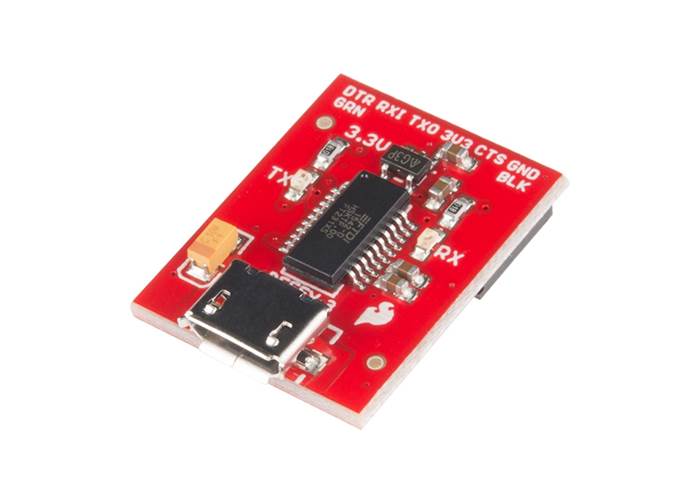
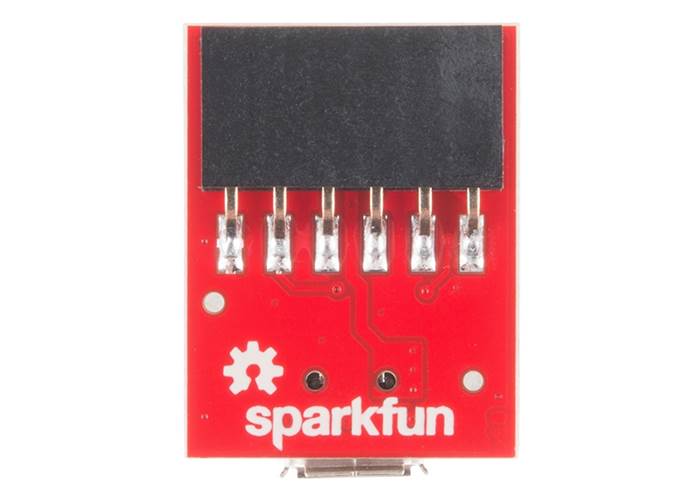
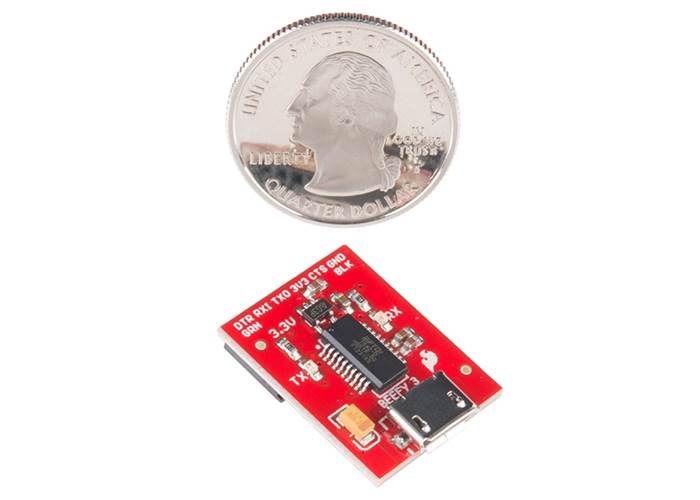
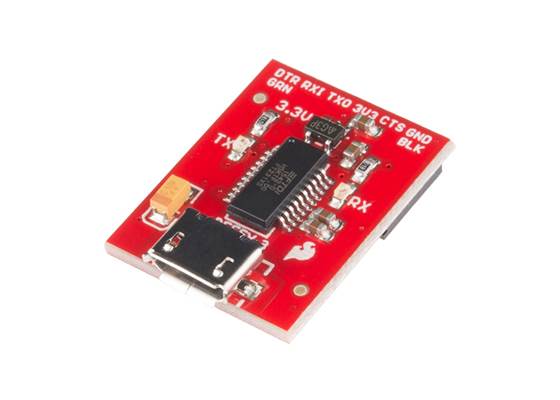
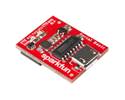
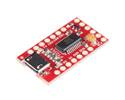
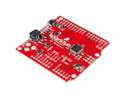
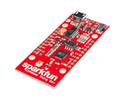
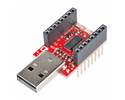
Program and power your hungry 3.3V projects. The 'Beefy 3' features a 600mA regulator, allowing you to drive high-current devices directly from the FTDI header.
Special Order
Shipping from $4.90
+28 more from our supplier in 7-10 days
Our Code: SKU-002218
Supplier Link: [SparkFun MPN:13746]
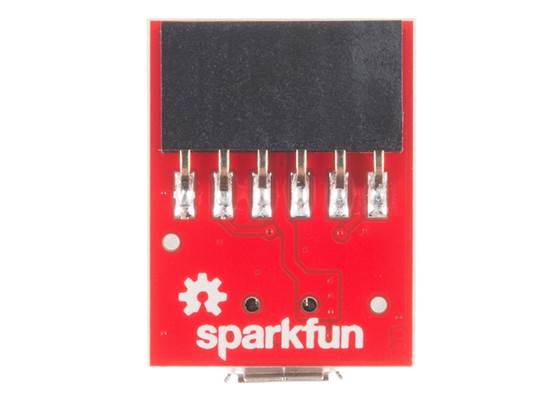
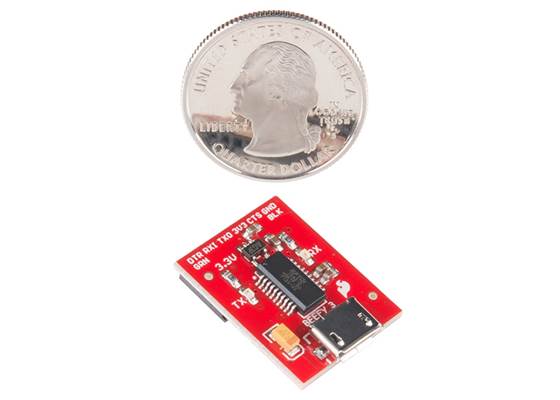
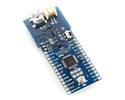
The SparkFun Beefy 3 is the heavy-duty evolution of our classic 3.3V FTDI Basic. While it looks similar, we have upgraded the internal circuitry to address a common problem: power-hungry devices. Built around the FTDI FT231X USB-to-serial IC, this board is designed not only to program your Arduinos but also to power them reliably. Even the hungry ones!
Standard FTDI breakouts rely on the USB chip's onboard regulator, which often provides very little current. The Beefy 3 is equipped with a dedicated AP2112K voltage regulator capable of sourcing up to 600mA.

Just like our standard basics, this board breaks out the Data Terminal Ready (DTR) pin rather than the RTS. This allows the Beefy 3 to automatically reset your Arduino when a new sketch is downloaded.
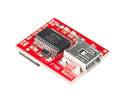
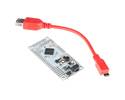
The connector on this board uses the more modern Micro-B USB, making it compatible with the most common cables on your desk (unlike the Mini-B of the older basics).
To prevent plugging it in backwards, the pins are labelled BLK (Black) and GRN (Green) to match the standard colour-coded wires on FTDI cables and the silk-screened markings on Arduino Pro and LilyPad boards. Just match the labels, and you are good to go.

 Brands